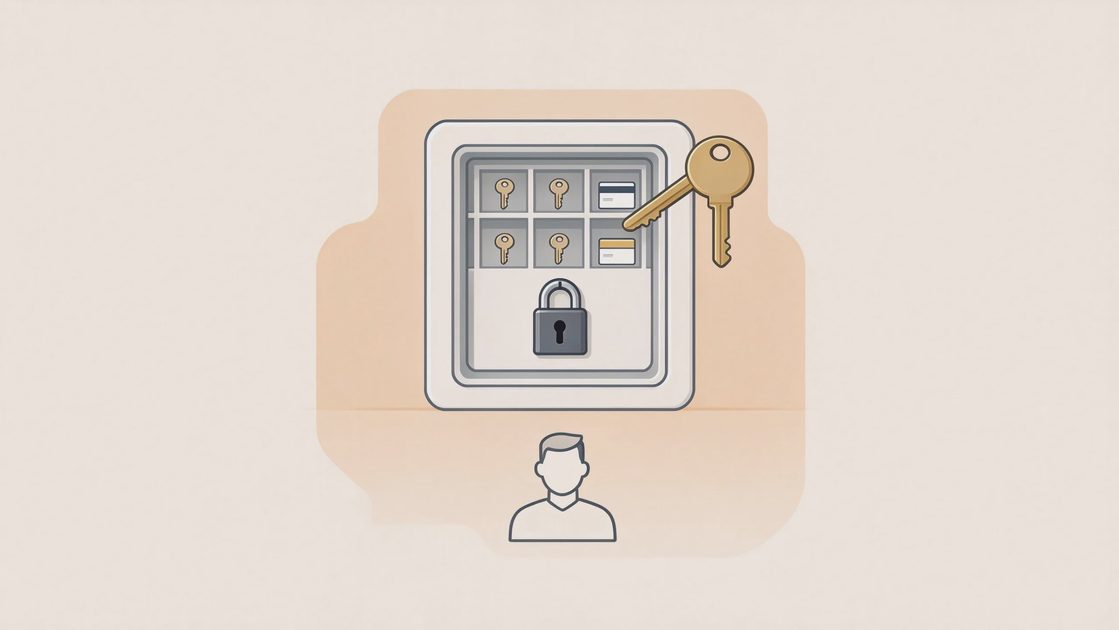
An email account under someone else’s control is more than an inconvenience. It is the master key that many other services use for password resets. Once attackers hold the inbox, they can often reset banking, shopping, social, and cloud accounts before the real owner notices. The window for effective response is measured in minutes to hours, not days.
The correct order of operations matters. Securing the email itself comes first, then the financial accounts that can move money, then the shopping and identity-related services, and finally the social and secondary accounts. Skipping ahead or working in random order leaves high-value targets exposed while lower-priority items are being fixed. The sequence below is designed for a typical household under time pressure.
Regaining Control of the Email Account
Use the provider’s official account-recovery process
Go directly to the official recovery page for Gmail, Outlook, iCloud, or whichever service was compromised. Do not use links from emails or messages that may have been sent by the attacker. Complete every verification step the provider offers, including phone numbers, recovery emails, and security questions that are still under your control.
Change the password and sign out all other sessions
Once access is restored, immediately set a new strong password. Then use the security or device-activity page to sign out every other session and remove unfamiliar devices. This step ends the attacker’s active access even if they still possess the old password.
Review recovery phone numbers and secondary emails
Attackers frequently add their own recovery methods after taking over an account. Check every recovery phone number and secondary email address. Remove any entry you do not recognize and restore your own verified methods. Save new recovery codes and store them offline.
Enable or strengthen multi-factor authentication
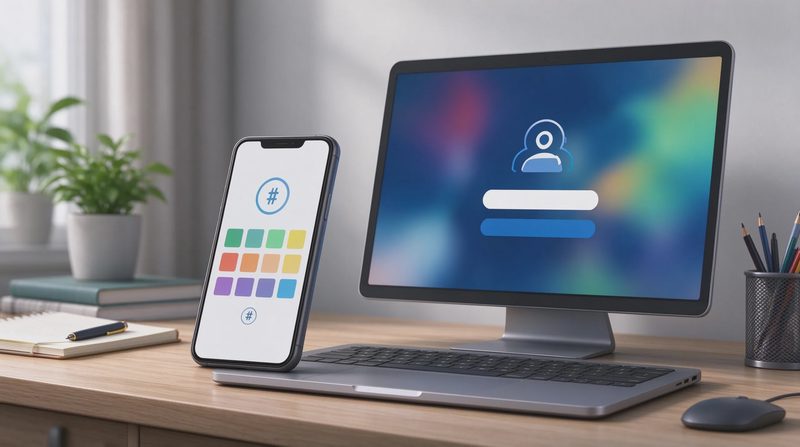
Turn on MFA if it was not already active. Prefer an authenticator app over SMS when the option exists. Register backup codes and keep the paper copies in a safe household location. Strengthened MFA makes a second takeover far more difficult.
Securing Financial Accounts Next
Contact each bank and card issuer’s fraud department
Call the numbers on the back of the cards or from the institutions’ official websites. Explain that the email used for the accounts was compromised and request a review of recent activity plus any appropriate freezes. Early notification allows the bank to watch for or block suspicious transactions.
Change online-banking passwords from a clean device
Update the password for every financial account that relied on the compromised email for resets or notifications. Perform these changes from a device you believe is still clean. Enable MFA on each account if it is not already required.
Review payees, transfers, and linked external accounts
Look for new external accounts, unfamiliar payees, or small test transactions. Report anything unexpected at once. Attackers often test with small amounts before attempting larger transfers; catching those tests early limits the total loss.
Check payment apps and digital wallets for unauthorized access
Sign into Zelle, PayPal, Venmo, Apple Pay, Google Pay, and any similar services. Remove unfamiliar devices, change passwords, and confirm MFA settings. These apps frequently use email as a recovery path and are high-value targets after an inbox takeover.
Protecting Shopping and Identity-Related Accounts
Update passwords on major retail and marketplace accounts
Amazon, big-box retailers, and online marketplaces often store payment methods and personal data. Change those passwords next, again from a clean device. Review order history and shipping addresses for anything you did not place.
Examine stored payment methods and shipping addresses
Remove payment cards or bank accounts that you no longer use and delete shipping addresses that look unfamiliar. Attackers sometimes add their own addresses so that future purchases are diverted. Cleaning these lists reduces the chance of follow-on fraud.
Secure government and identity portals that use the email
If tax accounts, Social Security, or state identity portals are linked to the compromised email, change those passwords and review recent activity. These accounts can be used for further identity-related fraud and should not be left exposed.
Place free credit freezes if personal data may have been accessed
When the inbox contained documents with Social Security numbers, financial statements, or similar data, place freezes with Equifax, Experian, and TransUnion. Freezes are free and make it harder for anyone to open new accounts in your name.

Handling Social and Secondary Accounts
Change passwords on primary social platforms
Facebook, Instagram, X, LinkedIn, and similar services often allow password resets through email. Update those passwords and review login activity. Remove unfamiliar sessions and confirm that MFA is active.
Check for new posts, messages, or account changes you did not make
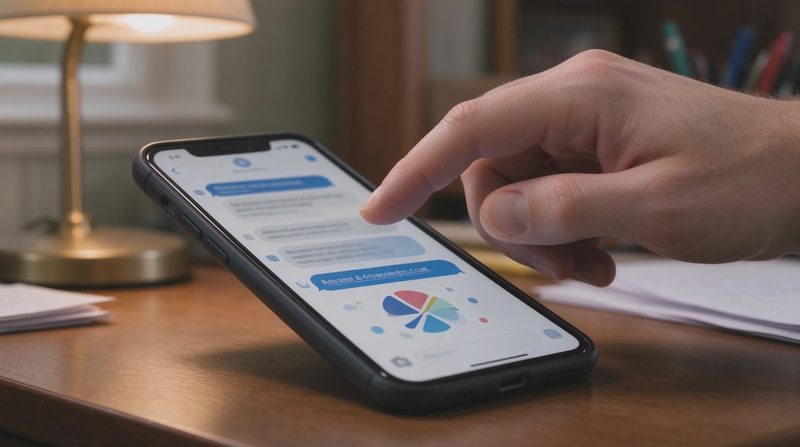
Attackers sometimes use a compromised social account to contact friends and family with further scams. Review recent posts and direct messages. Alert close contacts if the account was used to send unusual requests.
Update passwords on any remaining accounts that used the email
Work through secondary services—streaming, utilities, school portals, and forums—systematically. The priority is lower than banking and shopping, yet leaving them unprotected still creates residual risk. A password manager makes this sweep faster and more complete.
Remove the compromised email as a recovery method where possible
On accounts that allow multiple recovery options, replace the compromised email with a different verified address or remove it after a new primary recovery method is in place. Reducing dependence on the previously taken-over inbox improves long-term resilience.
Monitoring and Reporting After the Lockdown
Enable login and transaction alerts on every critical account
Turn on email or push alerts for new logins, password changes, and transactions. These notifications provide early warning if the attacker still possesses some access or attempts a second wave. Review the alert settings once to confirm they are reaching an inbox you control.
File reports with the FTC and, when appropriate, IC3
Submit the incident at ReportFraud.ftc.gov. If money was taken or the takeover appears part of a larger pattern, also file at ic3.gov. Include the approximate time the email was compromised and the accounts that were subsequently locked. Official reports create a record and support broader tracking.
Watch the recovered email inbox for password-reset messages
Attackers sometimes continue trying to reset other accounts even after the primary inbox is reclaimed. Any unexpected reset messages should be treated as active attempts. Change the targeted account’s password again and review its security settings.
Document the sequence of actions taken
Keep a simple list of the accounts secured, the dates passwords were changed, and any case numbers provided by banks or agencies. This record is useful if further issues surface weeks later or if an institution requests proof of timely response.
Preventing a Repeat Takeover
Treat the primary email as a high-value account permanently
Apply the same password and MFA discipline to email that you apply to banking. A strong unique password, authenticator-based MFA, and offline recovery codes should be the baseline. The email account is the foundation of digital recovery for the entire household.
Reduce the number of services that rely on a single email
Where practical, use different email addresses for high-value financial accounts and for everyday shopping or social logins. Separation limits the blast radius when one inbox is compromised. Complete isolation is rarely necessary; thoughtful separation is usually enough.
Keep recovery codes and backup methods current
After every major password or MFA change, save the new recovery codes and store them offline. Outdated recovery information is a common reason legitimate owners cannot reclaim accounts quickly. A short annual review keeps the materials usable.
Share the priority order with other adults in the household
If another adult manages some of the accounts, make sure they know the same sequence: email first, then financial, then shopping and identity, then social. Shared understanding prevents well-intentioned but out-of-order responses during a future incident.


No comments yet — be the first to share a thought.