Robocalls and scam calls remain one of the most common daily annoyances and risks for American households. The good news is that both major phone platforms already include screening tools that filter a large share of unwanted calls. Turning them on takes only a few minutes and does not require third-party apps or monthly fees.
I have configured these settings for family members of different ages and comfort levels. The goal is always the same: reduce the volume of unknown and high-risk calls while ensuring that family, doctors, and other known contacts still get through. The steps below cover the core built-in features on current iPhone and Android versions and the carrier tools that add a second layer of protection.
iPhone Screening Tools That Deliver Results
Silence Unknown Callers as the main filter
This setting sends numbers that are not in Contacts or recent outgoing calls directly to voicemail. It is the single most effective built-in control for most households. Enable it in Settings > Phone > Silence Unknown Callers. Known contacts continue to ring normally.
Keep the Contacts list complete and current
Before activating Silence Unknown Callers, review the Contacts app. Add family, frequent friends, doctors, schools, and regular service numbers. A complete list is what prevents the filter from catching people the household actually wants to hear from.
Use Focus modes for nighttime or quiet hours
A Focus that allows only selected contacts can silence non-essential calls during sleep or family time. Configure it carefully so that emergency family numbers still break through. Avoid broad daytime Focus schedules that hide important calls.
Check Visual Voicemail regularly for filtered messages
Once unknown callers are silenced, legitimate new numbers may leave voicemail. Make sure every adult knows how to open Visual Voicemail and scan recent messages. A quick daily glance catches the occasional important call that was filtered.
Android Screening Tools That Work Well
Enable the built-in Spam filter
Most recent Android phones offer a spam-protection feature that automatically blocks or warns about suspected robocalls and scam numbers. Turn it on in the Phone app settings. The filter improves over time as it learns from network data and user reports.
Use Call Screen where it is available
On phones that support it, Call Screen answers unknown calls with a Google assistant and provides a real-time transcript or summary. The user can then decide whether to pick up, hang up, or mark the call as spam. It is especially useful for numbers that are not clearly spam but still unfamiliar.
Add important numbers to Contacts
As on iPhone, a complete Contacts list ensures known people bypass filters. Sit down once and enter or update family, medical, school, and service numbers. The more complete the list, the fewer legitimate calls are interrupted by screening.
Review the blocked and spam lists periodically
Once a month, open the Phone app’s spam or blocked section and glance at recent entries. Occasionally a legitimate number is misclassified. Moving it to Contacts restores normal ringing and keeps the filter accurate.
Carrier-Level Tools That Add Protection
Activate the carrier’s free spam-blocking service
Major carriers offer network-level spam and robocall blocking, often at no extra cost. These tools work before the call reaches the phone and can be managed from a carrier app or website. Enabling them adds a layer that continues to function even if phone settings are later changed.
Check for additional verification or numbered-list options
Some carriers allow users to create personal allow lists or to require extra verification for certain call types. Explore the options in the carrier account. A short allow list of critical numbers can complement the phone’s own screening.
Report repeated spam numbers to the carrier
When the same number repeatedly bypasses filters, report it through the carrier’s spam-reporting channel. Carrier reports help improve network-level blocking for everyone. The process is usually a simple text or in-app action.
Confirm that carrier tools do not conflict with phone settings
In rare cases, carrier and phone filters can interact in unexpected ways. After enabling both, test a few known and unknown numbers to confirm that desired calls still ring and that spam volume has dropped. Adjust if needed.
Building a Household-Wide Approach
Decide which phones need the strictest settings
Primary adult phones and the phones of older relatives often benefit from the strongest screening. Teen phones may need slightly lighter filters so that new school or activity numbers can get through. Tailor the settings to each person’s actual risk and communication patterns.
Share the approved-contact practice across the family
Agree that new numbers are added to Contacts only after a quick family check or during a weekly review. This habit keeps lists current without requiring constant parental oversight. Consistency matters more than perfect enforcement.
Explain the system to older adults in plain language
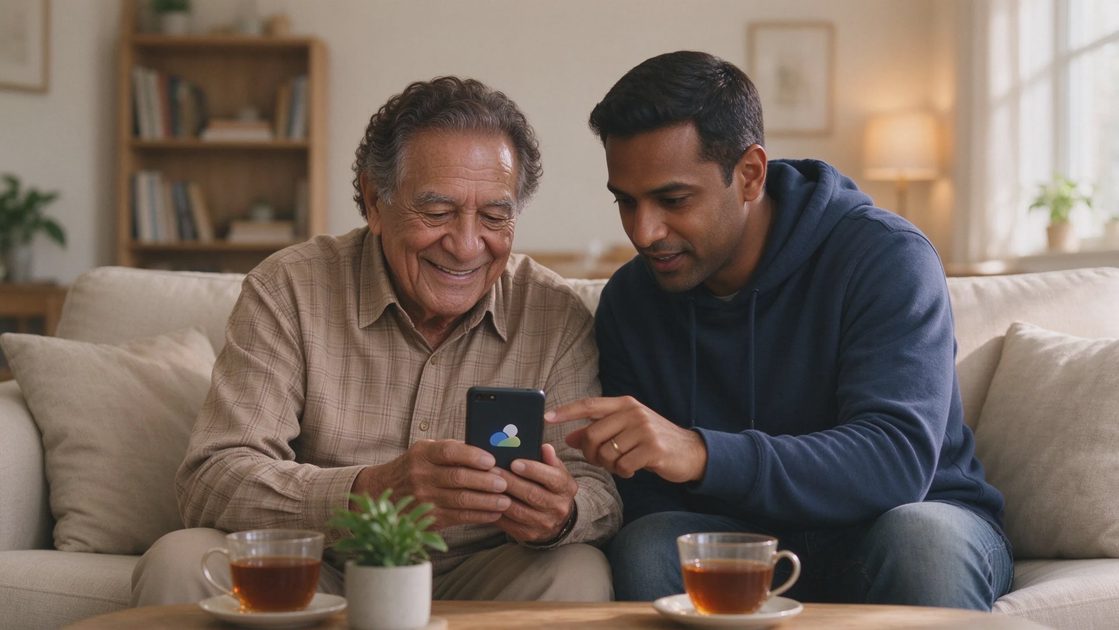
Older relatives sometimes worry that screening will cut them off from important calls. Demonstrate that known contacts still ring and that voicemail captures the rest. A short live example usually builds more confidence than a verbal explanation alone.
Keep a short written list of critical numbers as backup
Even with digital screening, a paper card listing key family, medical, and service numbers remains useful. If a phone is locked, the battery is dead, or a new device is being set up, the card still provides a way to reach important people.
Comparing the Main Built-In Options
Feature | iPhone | Android | Practical Strength |
|---|---|---|---|
Primary unknown-call filter | Silence Unknown Callers | Spam filter + Call Screen | Both strong when Contacts are complete |
Real-time call screening | Limited | Call Screen (selected devices) | Android advantage on supported phones |
Voicemail visibility | Visual Voicemail | Visual or transcribed voicemail | Comparable |
Ease of setup | Very high | High | Both suitable for non-technical users |
Carrier layer recommended | Yes | Yes | Adds protection on both platforms |
This table shows that either platform can deliver effective screening. The decisive factor is usually whether the Contacts list is kept current and whether the carrier tools are also enabled.
Maintaining Screening Over Time
Revisit settings after major software updates
Phone updates occasionally reset or alter screening options. After each major iOS or Android update, confirm that Silence Unknown Callers or the Android spam filter is still active. A thirty-second check prevents silent loss of protection.
Update Contacts when life changes
New doctors, new schools, moved family members, and changed service providers should be added promptly. An outdated Contacts list is the most common reason legitimate calls begin to be filtered. Keeping the list current preserves both protection and accessibility.
Watch for new scam patterns that spoof local numbers
Some scammers deliberately use numbers that look local or familiar. Screening reduces volume but does not eliminate every risk. Continue to treat unexpected calls that request personal information or money with the same verification habits used before screening was enabled.
Review the overall call volume every few months
If unwanted calls begin to increase again, re-check both phone and carrier settings. Filters can drift, new scam campaigns can appear, and household needs can change. A brief quarterly review keeps the system matched to current conditions.

No comments yet — be the first to share a thought.