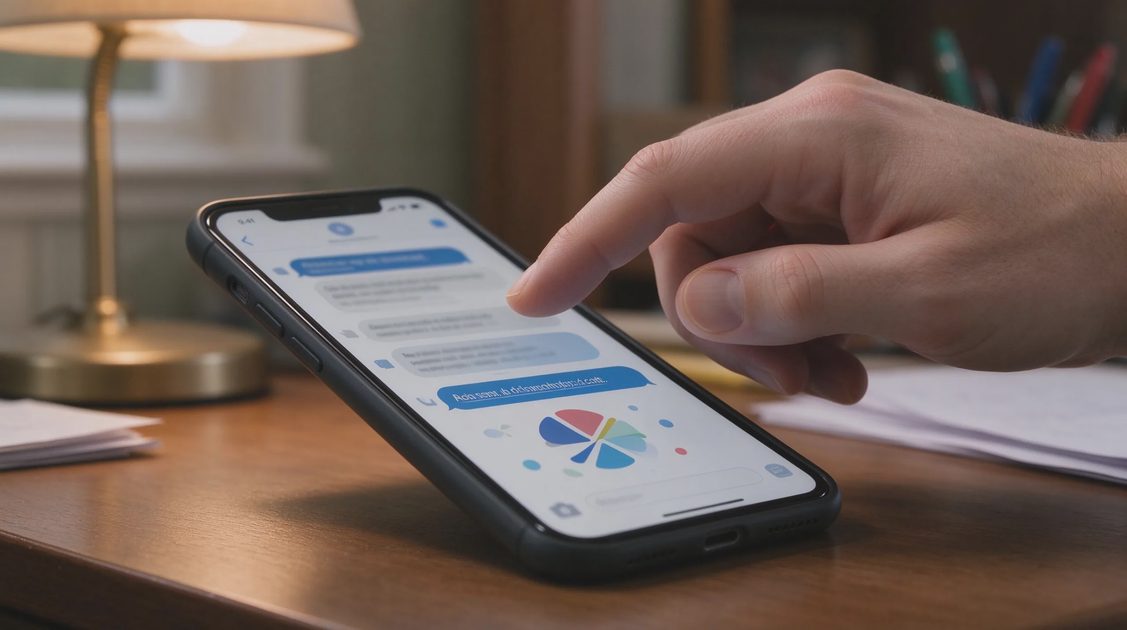
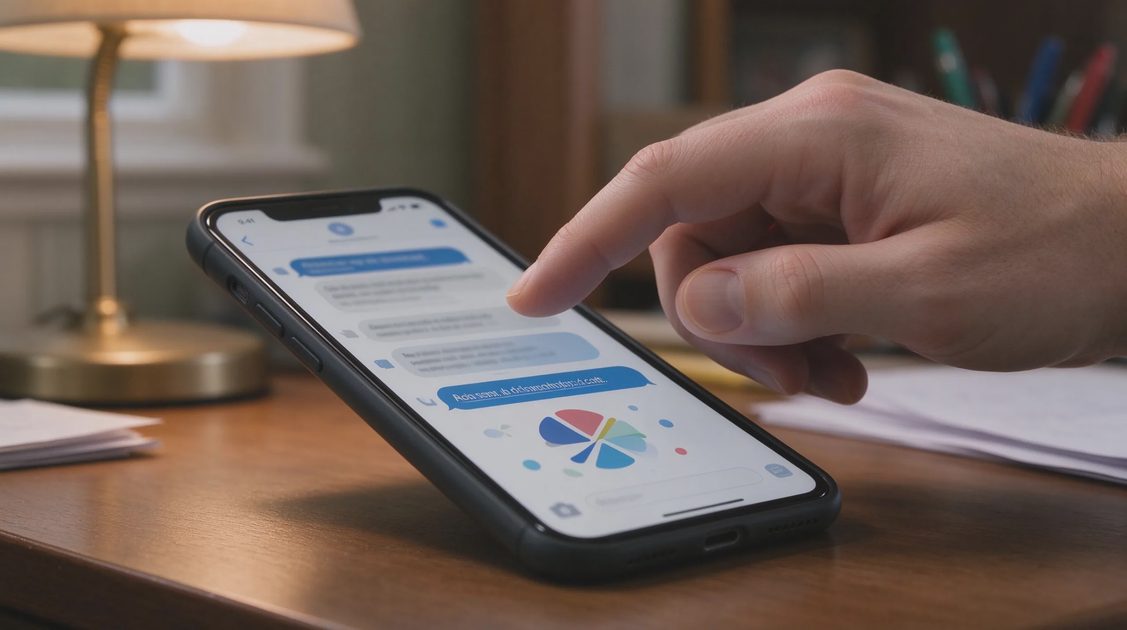
You gave a one-time code to someone who turned out to be a scammer, or you entered it on a page that now looks fraudulent. The code itself is usually short-lived, yet the window it opens can be enough for an attacker to reset a password, approve a login, or add a new device. The next minutes determine whether the incident stays contained or expands.
Most one-time codes protect email, banking, shopping, or social accounts. The attacker’s typical next move is to change the password or the recovery information so you can no longer regain control easily. Acting in a clear order—securing the most powerful accounts first—cuts off that path. The steps below assume the code was recently used and focus on practical locks any household can perform.
Immediate Priorities Once the Code Is Compromised
Treat the related account as potentially taken over
Assume the attacker may already be inside or may still be completing a login. Do not wait for confirmation of damage. Begin the lockdown sequence for that account and for any account that uses the same email or phone number for recovery. Speed closes the window faster than perfect diagnosis.
Work from a device you believe is still clean
If the code was entered on a phone or computer that may also have been compromised, switch to a different device for the recovery steps. A clean device reduces the chance that the attacker can watch or intercept the new passwords and codes you create during recovery.
Avoid further contact with the person who requested the code
Scammers often stay on the line or continue messaging to request additional codes or to talk the victim out of changing passwords. End the conversation. Any further interaction gives them more opportunity to adapt their story and request new information.
Write down the time and the account involved
A short note with the approximate time, the service that issued the code, and the device used helps later when you review logs or speak with support. Perfect detail is unnecessary; a basic record is enough to keep the response organized.
Locking the Primary Email Account First
Change the email password immediately
The primary email is the recovery path for most other services. Change its password from a clean device before touching other accounts. Use a strong unique password generated by a password manager if one is available. Confirm the change takes effect by signing out and back in.
Review and remove unfamiliar devices or sessions
Most email providers show recent sign-ins or connected devices. Remove any session or device you do not recognize. This step ends active access even if the attacker already completed a login with the stolen code.
Confirm recovery phone and secondary email are still yours
Attackers sometimes add their own recovery methods after gaining temporary access. Check the recovery phone number and any secondary email address. Remove unfamiliar entries and restore your own verified methods. Saving new recovery codes at this stage is also wise.
Turn on or strengthen multi-factor authentication
If MFA was not already active, enable it now. Prefer an authenticator app over SMS when the service allows it. Register backup codes and store them offline. Strengthening MFA on email protects the reset path for everything else.
Securing Financial and Payment Accounts Next
Contact the bank or card issuer and request a freeze or review
Call the fraud number on the back of the card or from the bank’s official website. Explain that a one-time code may have been compromised and ask them to review recent activity and place a temporary freeze if appropriate. Banks can often spot and block suspicious transactions quickly when notified early.
Change online banking and payment-app passwords
After the email is secure, update the passwords for every financial account that used the compromised phone number or email for verification. Enable MFA on each if it is not already active. Do this from the clean device and save the new credentials in a password manager.
Review recent transfers, payees, and linked accounts
Look for new external accounts, unfamiliar payees, or small test transactions. Report anything unexpected to the institution immediately. Early detection of test amounts often reveals larger attempts still in progress.
Check payment apps for unauthorized logins or devices
Services such as Zelle, PayPal, Venmo, or similar apps frequently rely on one-time codes. Sign in, review connected devices, and remove any that are unfamiliar. Change the password and confirm MFA settings while you are inside the account.
Addressing Phone and SIM-Related Risks
Contact the mobile carrier if the code arrived by text
Explain that a verification code may have been misused and ask the carrier to note the account for possible SIM-swap or port-out attempts. Some carriers can add extra verification requirements for number changes. Requesting that protection early makes the next attack harder.
Review the phone’s own account security settings
On both iPhone and Android, check the device account (Apple ID or Google account) for unfamiliar devices and recent security changes. Remove unknown devices and confirm that the recovery phone number and email are correct. These accounts often control backups and find-my-device features.
Avoid approving any further login requests you did not initiate
Attackers sometimes trigger additional MFA prompts hoping the victim will approve them out of confusion. Decline any unexpected prompts. If prompts continue, change the password again and review sessions once more.
Consider a temporary SIM lock or port freeze if available
Some carriers offer a port freeze or extra authentication for SIM changes. Enabling it after a code compromise adds a barrier against the attacker moving the number to a new SIM. Ask the carrier what options exist for your account.
Monitoring and Reporting After the Immediate Locks
Watch account alerts and email for the next several days
Enable transaction and login alerts if they are not already on. Review the primary email for password-reset messages or security notifications you did not request. Continued monitoring catches follow-on attempts that begin after the first window closes.
File reports with the FTC and, if needed, the FBI IC3
Submit a report at ReportFraud.ftc.gov describing the one-time code incident. If money moved or accounts were clearly taken over, also file at ic3.gov. These reports create an official record and help agencies track patterns.
Update passwords on any other accounts that shared the same code channel
If the compromised phone number or email was used as a recovery method on shopping, social, or work accounts, change those passwords as well. Priority remains on the highest-value accounts, yet expanding the lockdown reduces residual risk.
Save new recovery codes and store them offline
During each password and MFA update, save the new recovery codes and place the paper copies in the household’s secure location. Digital-only storage recreates the single-point-of-failure problem the codes are meant to solve.

Common Follow-On Tactics to Expect
Additional code requests for the same or related accounts
Attackers may try to obtain a second code to complete a password change or to add a recovery method. Refuse all unexpected code requests. Legitimate services rarely ask for a code in an unsolicited call or message.
Urgent messages claiming the account will be closed
Some scammers follow a successful code capture with messages that pressure the victim to “verify” again or to cancel a fake security lock. Treat these as further social engineering. Use only the official apps or websites you type yourself to check account status.
Attempts to move the phone number to a new SIM
With a working code and personal information, an attacker may try a SIM swap. The earlier carrier notification and any port freeze you requested make this harder. Stay alert for sudden loss of cellular service, which can be a sign of a successful swap.
Phishing that references the recent incident
Attackers sometimes send messages that mention the code or the account by name, hoping the victim will engage again. Do not reply. Report the new messages and continue using only known-clean devices and official channels for account management.

No comments yet — be the first to share a thought.